
Tips for Creating a Productive Home Workspace
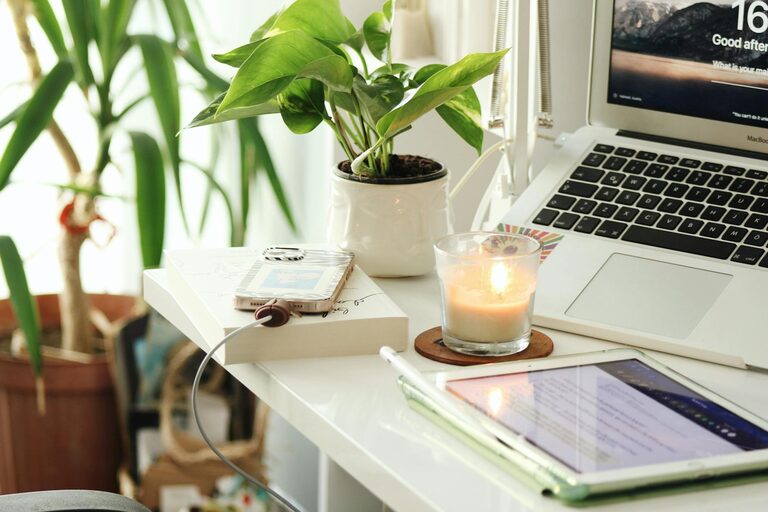
Creating a productive home workspace is essential for anyone working remotely or managing tasks from home. A well-designed workspace can improve focus, reduce stress, and increase efficiency. Whether you have a dedicated room or just a small corner, optimizing your home office setup will help you stay motivated and get more done.
Why a Productive Home Workspace Matters
Working from home offers flexibility, but it can also come with distractions and challenges. A workspace tailored to your needs minimizes interruptions and helps create a work mindset. Setting boundaries between work and personal life allows you to focus when needed and relax when the workday ends.
Choosing the Right Location
Pick a Quiet Spot
Select a quiet area away from high-traffic zones if possible. If noise is unavoidable, consider noise-cancelling headphones or background music to maintain concentration.
Utilize Natural Light
Position your desk near a window to benefit from natural light. It boosts mood and reduces eye strain. If this isn’t an option, invest in good quality lighting that mimics daylight.
Essential Furniture and Equipment
Comfortable Chair
Invest in an ergonomic chair that supports your back and promotes good posture. Comfort reduces fatigue and the risk of discomfort during long hours.
Desk Size and Setup
Choose a desk with enough space for your computer, notebook, and other essentials. Keep frequently used items within easy reach to reduce distractions caused by searching for supplies.
Technology and Accessories
Use reliable technology that meets your work requirements. A good quality monitor, keyboard, and mouse can make a big difference. Cable organizers and charging stations help keep the area tidy.
Organizing Your Workspace
Declutter Regularly
A clutter-free desk helps clear your mind. Remove unnecessary items and keep only what you need daily. Use drawers, shelves, or containers to store supplies neatly.
Use Storage Solutions
Label boxes or trays for files, papers, and office tools. Vertical storage options like shelves help maximize limited space.
Creating a Work-Friendly Environment
Set a Schedule
Designate specific working hours to build routine and discipline. Communicate your schedule to household members to minimize interruptions.
Personalize Your Space
Add plants, photos, or art that inspire you. Personal touches can make your workspace more inviting and boost creativity.
Control Temperature and Air Quality
Keep your workspace well-ventilated and at a comfortable temperature. Fresh air and proper airflow help maintain alertness.
Maintain Healthy Habits
Take Regular Breaks
Follow the 50/10 rule – work for 50 minutes, then take a 10-minute break. Stand up, stretch, or walk around to refresh your body and mind.
Practice Good Posture
Be mindful of your sitting position. Use footrests or monitor stands if needed to ensure your screen is at eye level.
Minimize Digital Distractions
Use Productivity Tools
Apps like timers, to-do lists, or website blockers can help maintain focus by managing your tasks and limiting distractions.
Manage Notifications
Turn off non-essential notifications during working hours to avoid interruptions.
Stay Connected
Even when working alone at home, maintain communication with colleagues or clients. Video calls and messaging apps help reduce feelings of isolation and keep you engaged.
—
Creating a productive home workspace involves thoughtful planning and consistent habits. By optimizing your environment, organizing efficiently, and taking care of your wellbeing, you set yourself up for success. Small adjustments can lead to significant improvements in focus and comfort, helping you get the most out of your workday at home.